
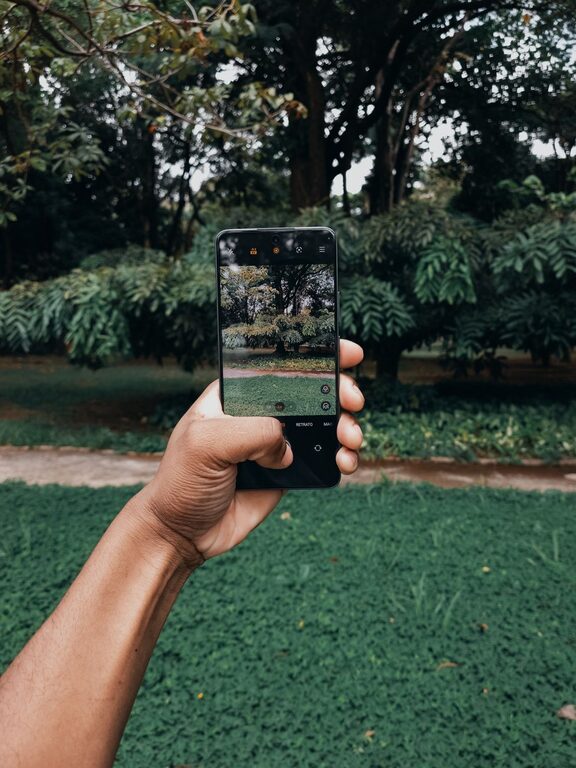
Taking great photos with your phone is easier than you might think. With the right techniques and a bit of practice, you can capture beautiful images that showcase your creativity and memories. Whether you’re new to photography or just want to improve your phone photos, this guide will help you get started with some beginner-friendly tips to take better phone photos.
Understand Your Phone Camera
Most modern smartphones come equipped with powerful cameras, but understanding the features available can make a big difference.
Explore Camera Modes
Your phone likely has multiple camera modes such as portrait, panorama, night mode, and more. Spend some time trying out each mode to see how they affect your photos.
Adjust Focus and Exposure
Tap on the screen where you want the camera to focus. This helps ensure that your subject is sharp. Many phones also let you adjust exposure by sliding your finger up or down on the screen to make the image brighter or darker.
Use Natural Light Whenever Possible
Good lighting is key to any great photo.
– Shoot during the golden hours: Early morning and late afternoon provide soft, warm light that’s flattering and adds depth.
– Avoid harsh midday sunlight: Direct sunlight can cause unwanted shadows and highlights.
– Find shade: If shooting during bright daylight, move your subject to a shaded area to avoid harsh contrasts.
– Use windows indoors: Natural window light creates beautiful, soft illumination for portraits and close-ups.
Hold Your Phone Steady
Blurry photos often result from shaky hands.
– Hold your phone with both hands to increase stability.
– Use a tripod or phone stand when possible, especially in low light.
– Lean against a wall or stable surface for support.
– Use the volume button or timer to avoid shaking the phone when pressing the shutter.
Compose Your Shots Thoughtfully
Good composition makes your photos more interesting and balanced.
Follow the Rule of Thirds
Most phone cameras have a grid option you can enable in settings. Position your subject along these gridlines or at their intersections instead of centering everything. This creates a more dynamic and pleasing picture.
Simplify Your Background
Too much clutter can distract from your subject. Look for clean, simple backgrounds or use a shallow depth of field (portrait mode) to blur the background.
Experiment with Angles and Perspectives
Try shooting from different heights or angles to add interest. Get low to the ground, shoot from above, or find unique viewpoints rather than just taking photos at eye level.
Use Editing Apps to Enhance Your Photos
Editing is a great way to improve your images after shooting.
– Popular free apps include Snapseed, VSCO, and Lightroom Mobile.
– Adjust brightness, contrast, saturation, and sharpness to bring out details.
– Crop or straighten images for better framing.
– Avoid over-editing — aim for natural-looking improvements.
Clean Your Lens Regularly
It may seem simple, but a dirty lens can make your photos look blurry or hazy. Wipe your lens gently with a soft cloth before shooting.
Practice and Have Fun
The best way to get better at phone photography is to practice consistently.
– Take photos of different subjects — people, landscapes, food, pets, and more.
– Try new techniques and settings to see what works best.
– Review your photos to identify what you like and what can be improved.
Final Thoughts
Improving your phone photography doesn’t require expensive equipment, just a little knowledge and practice. By understanding your camera, focusing on lighting and composition, keeping your phone steady, and using simple editing tools, you can take stunning photos you’ll be proud to share.
Go ahead, start capturing the world around you with confidence and creativity!
About the Author